Every feature, with the demo next to it
Five things the chat does well, each shown exactly as it works in the product.
Answers stream in, with the reasoning shown
Each reply streams token by token over a socket, so long answers start appearing in under a second. The model’s planning notes stream first in a collapsible block, then the answer follows in formatted Markdown.
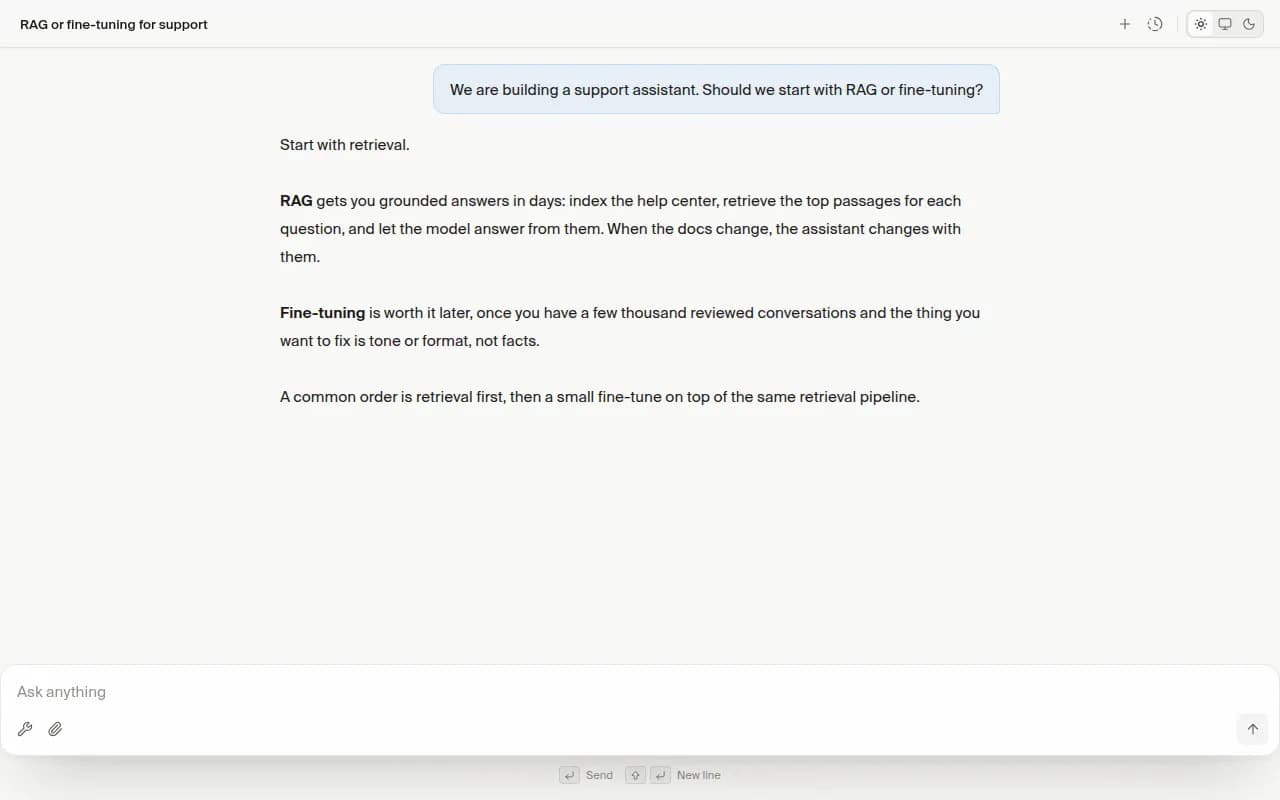
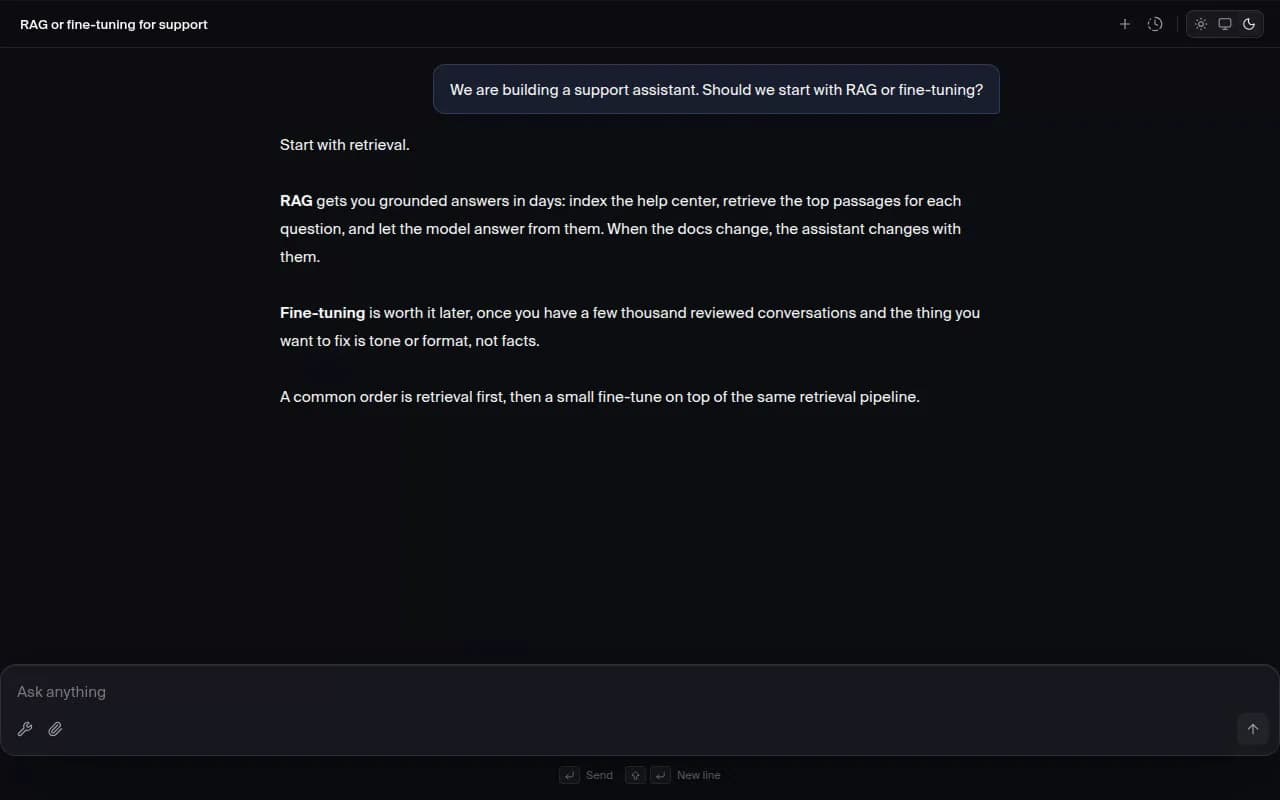
Turn on tools when the question needs them
The tool picker sits in the composer. Choose Web Search for questions that need today’s information, or Deep Research to read across dozens of sources. The chosen tool is sent with that message, and the answer carries the sources it found.
Drop in files and ask across them
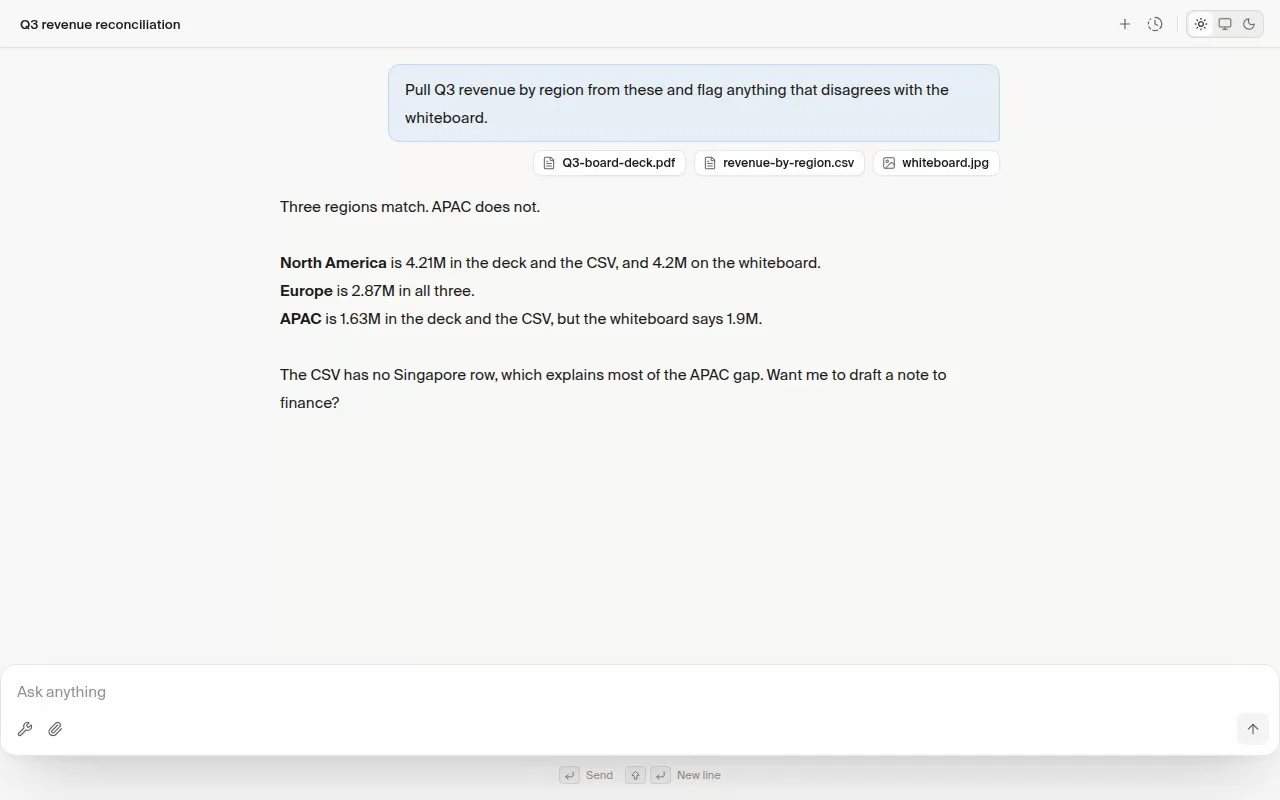
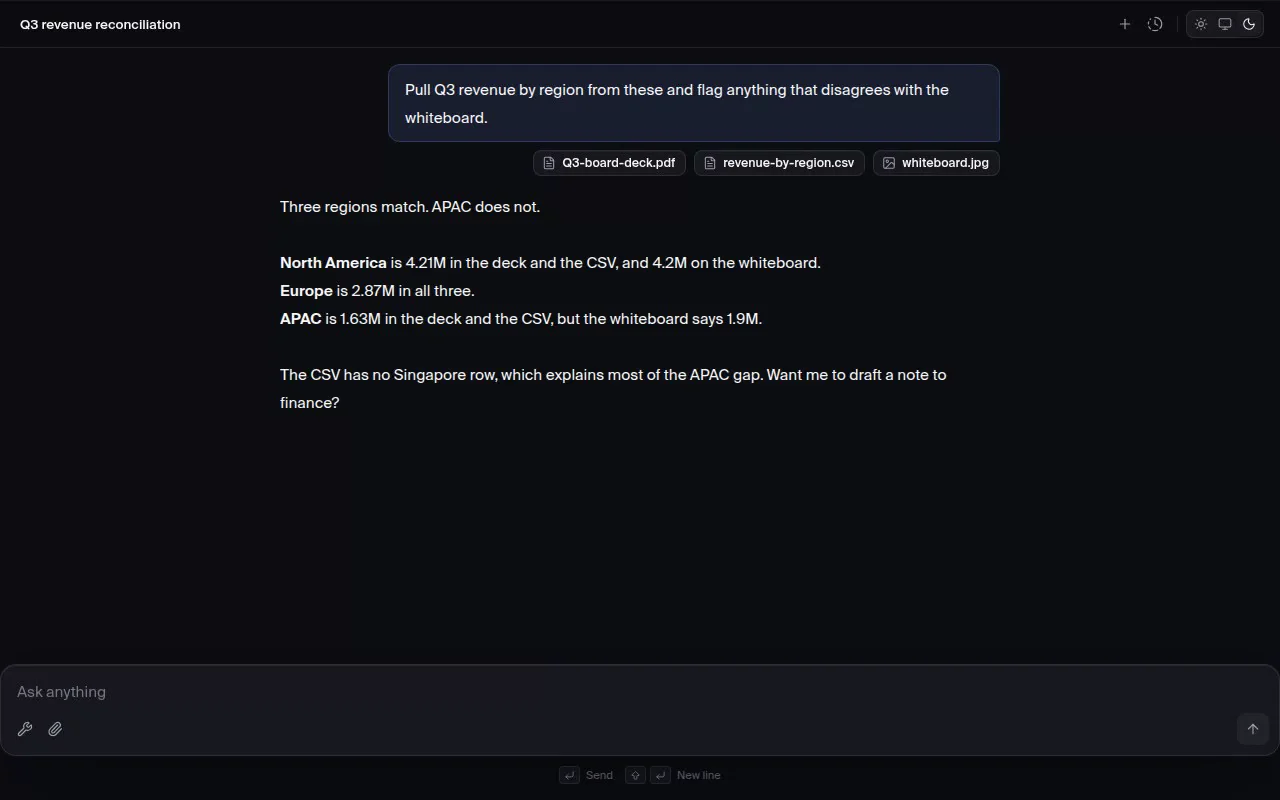
Attach PDF, CSV and Excel, JPEG and PNG, Markdown, JSON, HTML, and plain text files by dragging them into the chat. Attachments travel with the message, so follow-up questions can refer back to them.
- CSV
- Excel
- JPEG
- PNG
- Markdown
- JSON
- HTML
- Plain text
Every conversation stays one shortcut away
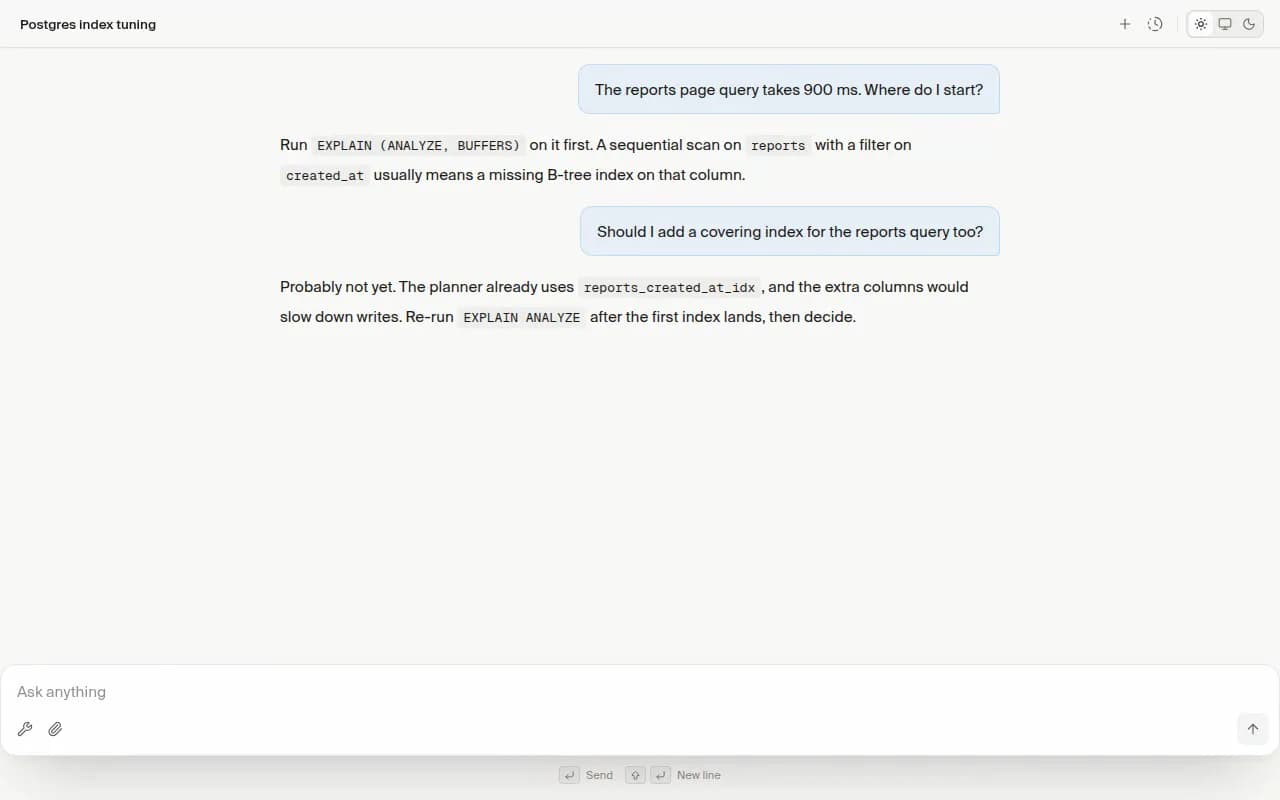
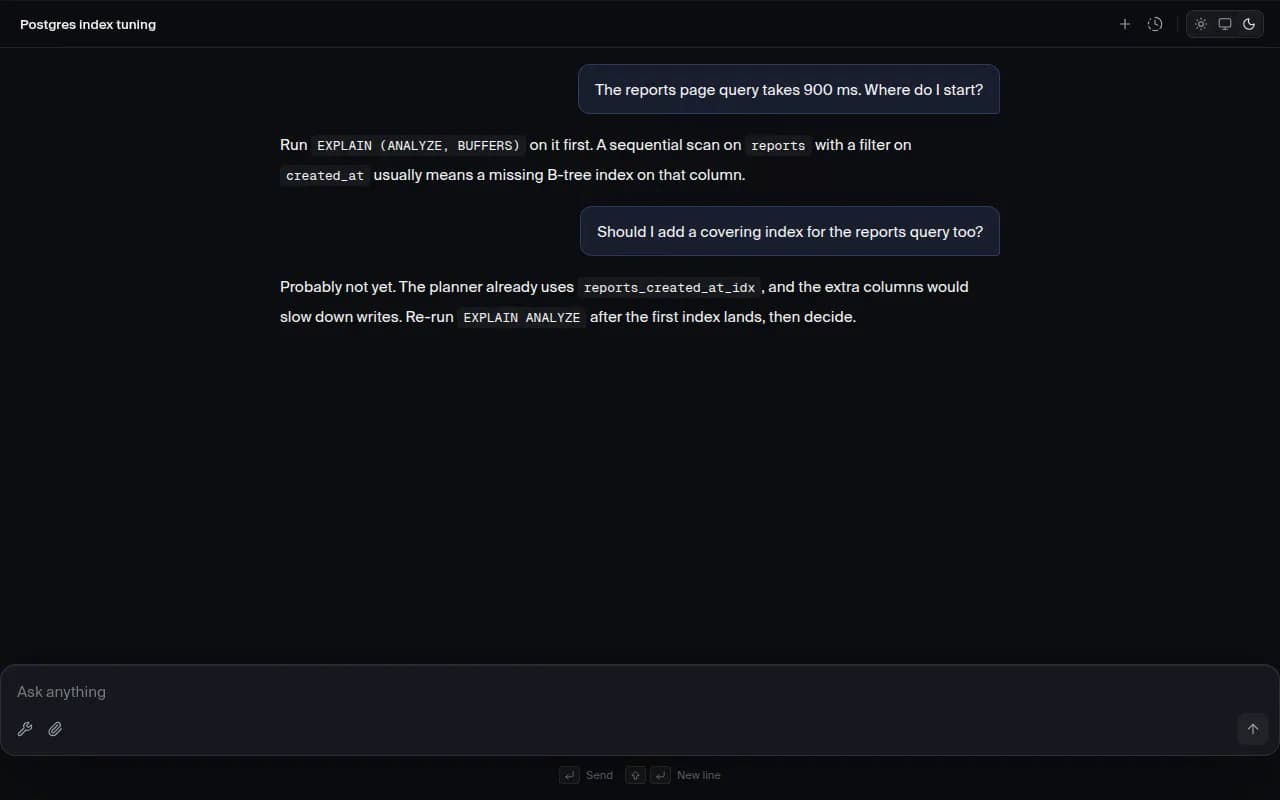
Conversations are saved as they happen and titled automatically from the first exchange. The history menu opens with a shortcut, sorted by recent activity, so switching threads never means leaving the keyboard.
- Search conversation history
- Start a new chat
- Send the message
- Insert a new line
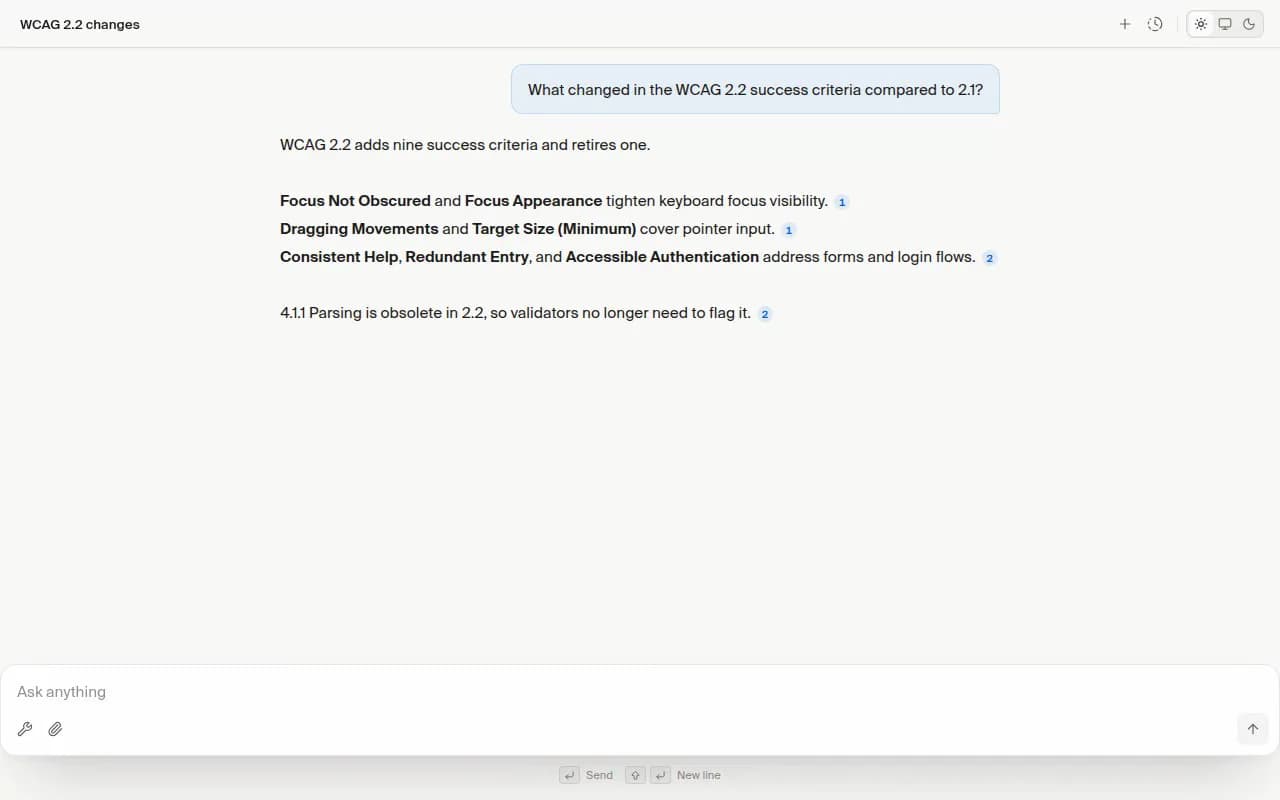
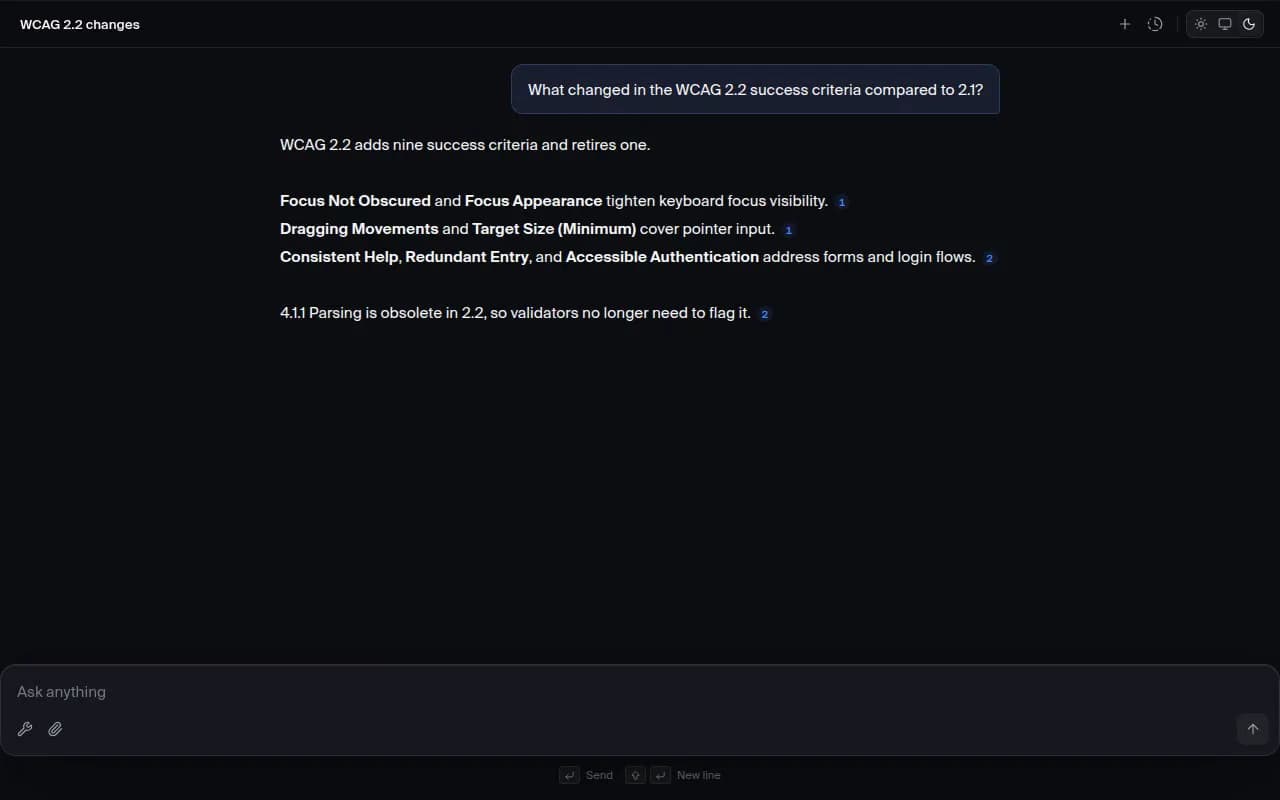
Sources you can check, inline
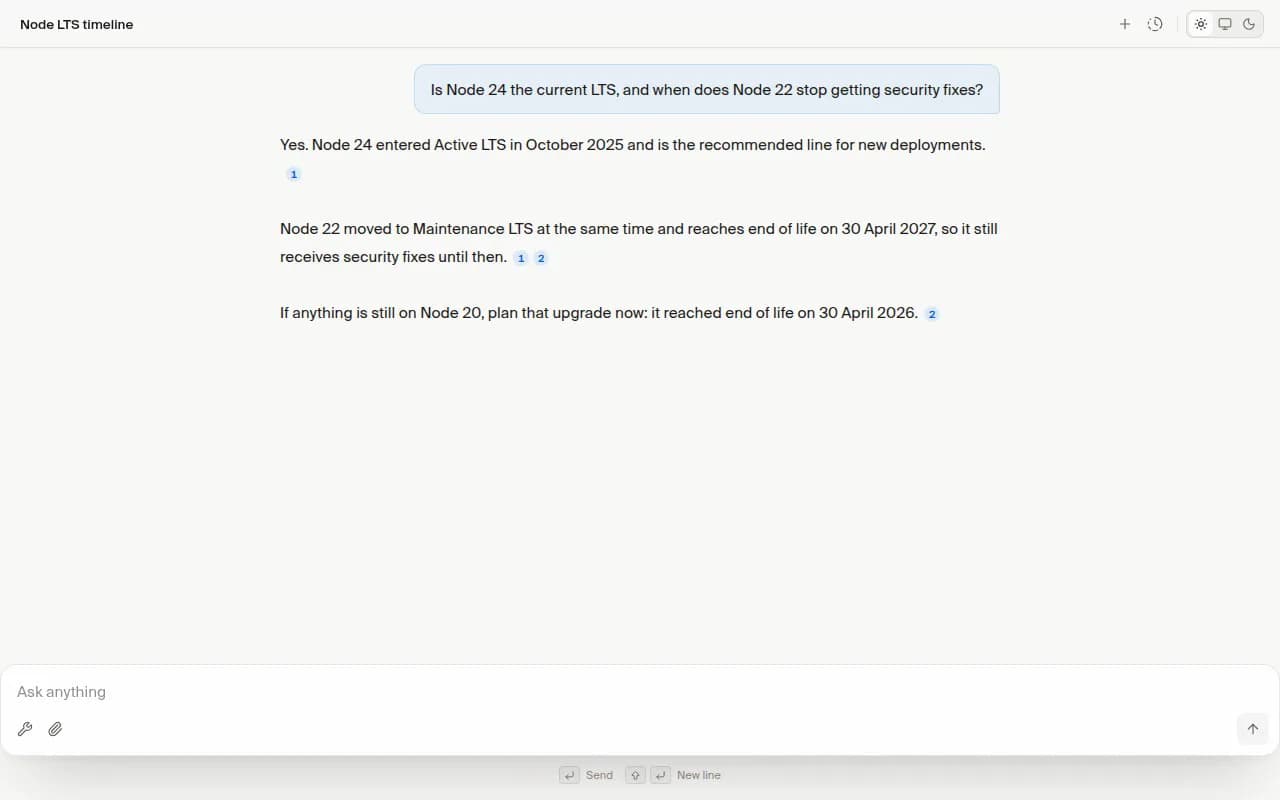
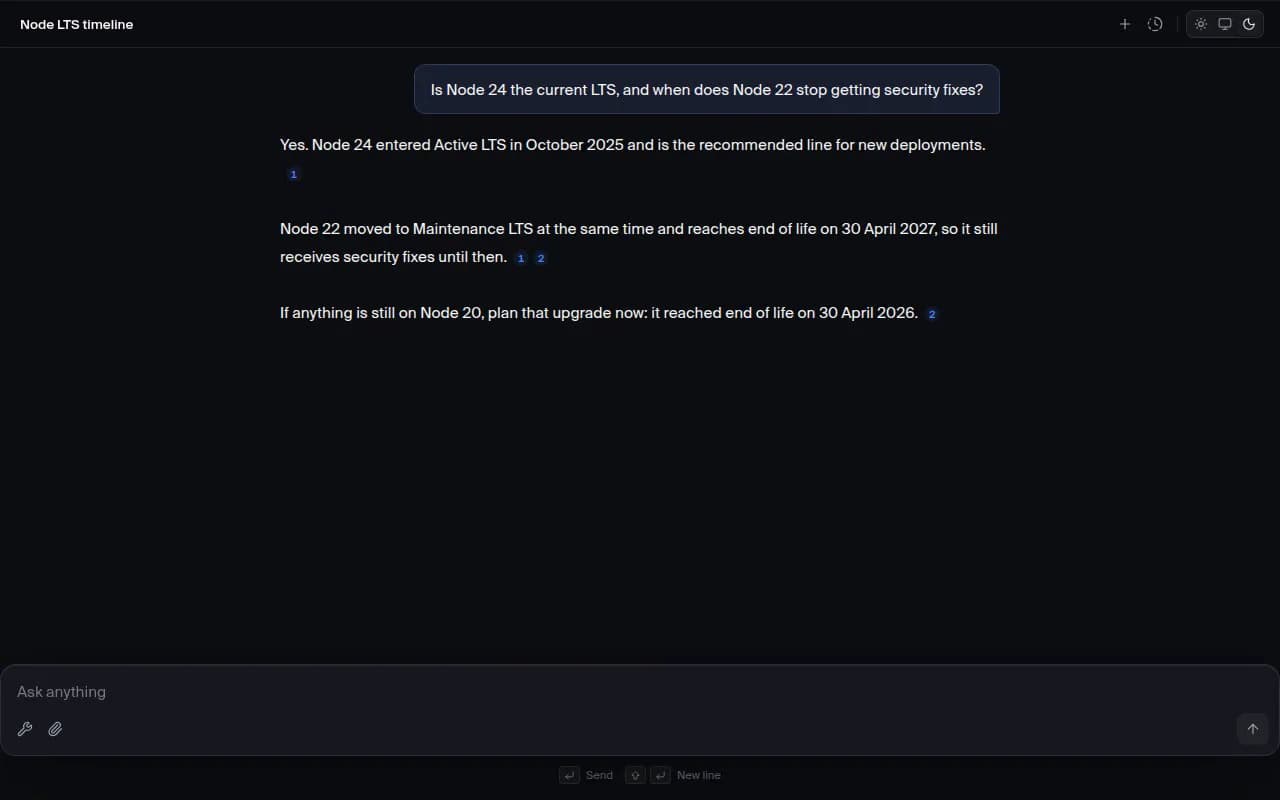
When the model uses web results, each claim gets a numbered marker in the sentence that relies on it. Hovering or clicking the marker shows the page title and URL, and the same source keeps the same number throughout the answer.
Questions, answered
See it with your own questions
Create an account and ask something you actually need answered. The reasoning, tools, and sources are there from the first message.